

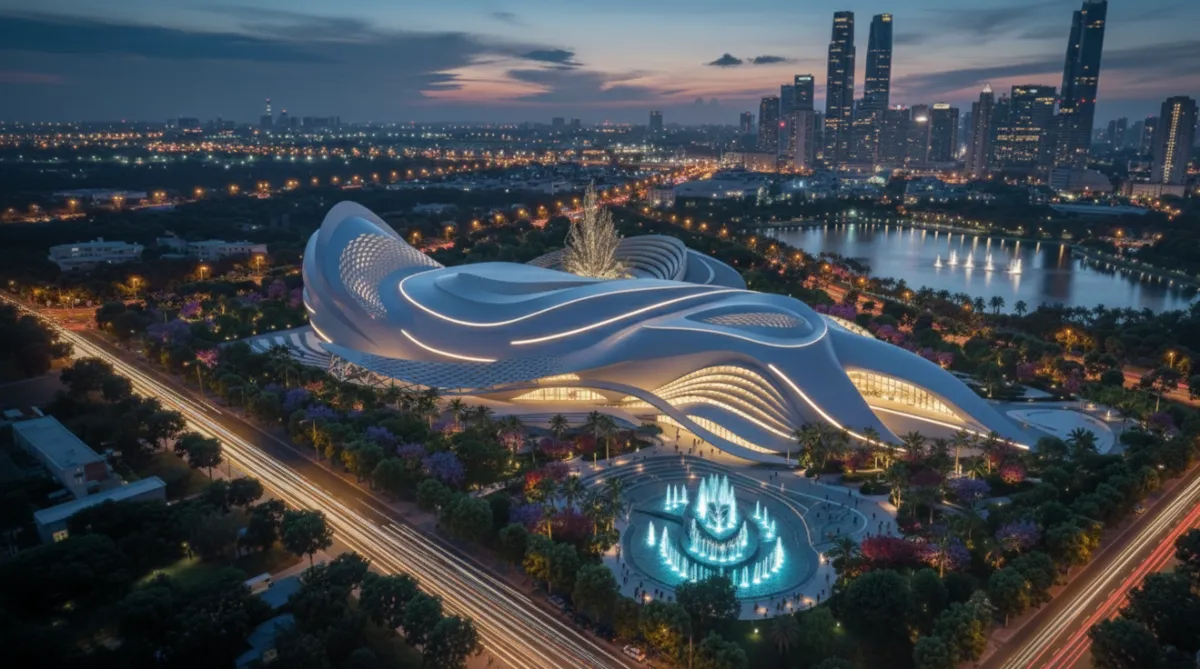
حاسس إن أفكارك المعمارية كتيير أكبر من قدرات البرامج اللي بتستخدمه؟
اسمع… المشكلة مش فيك.. المشكلة بالبرنامج..
و"راينو" هو الأداة اللي بتغيّر كل إشي!!
خلال شهر رح تقدر ترفع أي فكرة تصميم تخطر
ببالك
(حتى لو ما عندك خبرة أبداا بالبرامج)
ليش هذا البرنامج مهم؟

إذا كانت إجاباتك نعم! هاد مكانك
: هذا الكورس مخصص لـ
طلاب هندسة العمارة
مهندسين معماريين مبتدئين أو متوسطين
أي شخص بعاني إنه أفكاره أقوى من قدرته على تنفيذها 3D
اللي بده يطور بورتفوليوه ويزيد فرصه بالشغل
❌ هذا الكورس مش للي بده نتائج سريعة بدون تطبيق
❌ ومش للي ما بده يشتغل على حاله
في هذا الكورس الراينو مش مجرد برنامج
هو أداة تفكير وتنفيذ معماري
قبل الكورس
❌ بتقعد ساعات عشان ترفع فكرة بسيطة وبتحس إنها ما وصلت للي براسك
❌ بتضطر تعيد الرسم على أوتوكاد عشان تطلع بلانات أو سكاشن
❌كل تسليم مشروع = توتر + وقت ضايع + إحباط
❌بتشوف تصاميم باراميترية عالمية وبتحكي: "هاي صعبة وبدها عبقرية
❌ أي تغيير صغير بالمشروع = إعادة شغل من الصفر
بعد الكورس
✅ تقدر ترفع أي فكرة معقدة بخطوات منظمة ونظيفة
✅ البلانات والسكاشن بتطلع معك أوتوماتيك
✅ بتقدر تشارك بالمسابقات العالمية و ترفع أفكارك بثقة
✅رح تكون جدا واثق من قدراتك و تقدر تشتغل افكارك بثقة بدون ما تخاف من يوم التسليم او الضغط
✅ بدل ما تركض ورا الديدلاين صرت أنت اللي تسبق التسليم بخطوة
المحاور الرئيسية التي سيتم تغطيتها
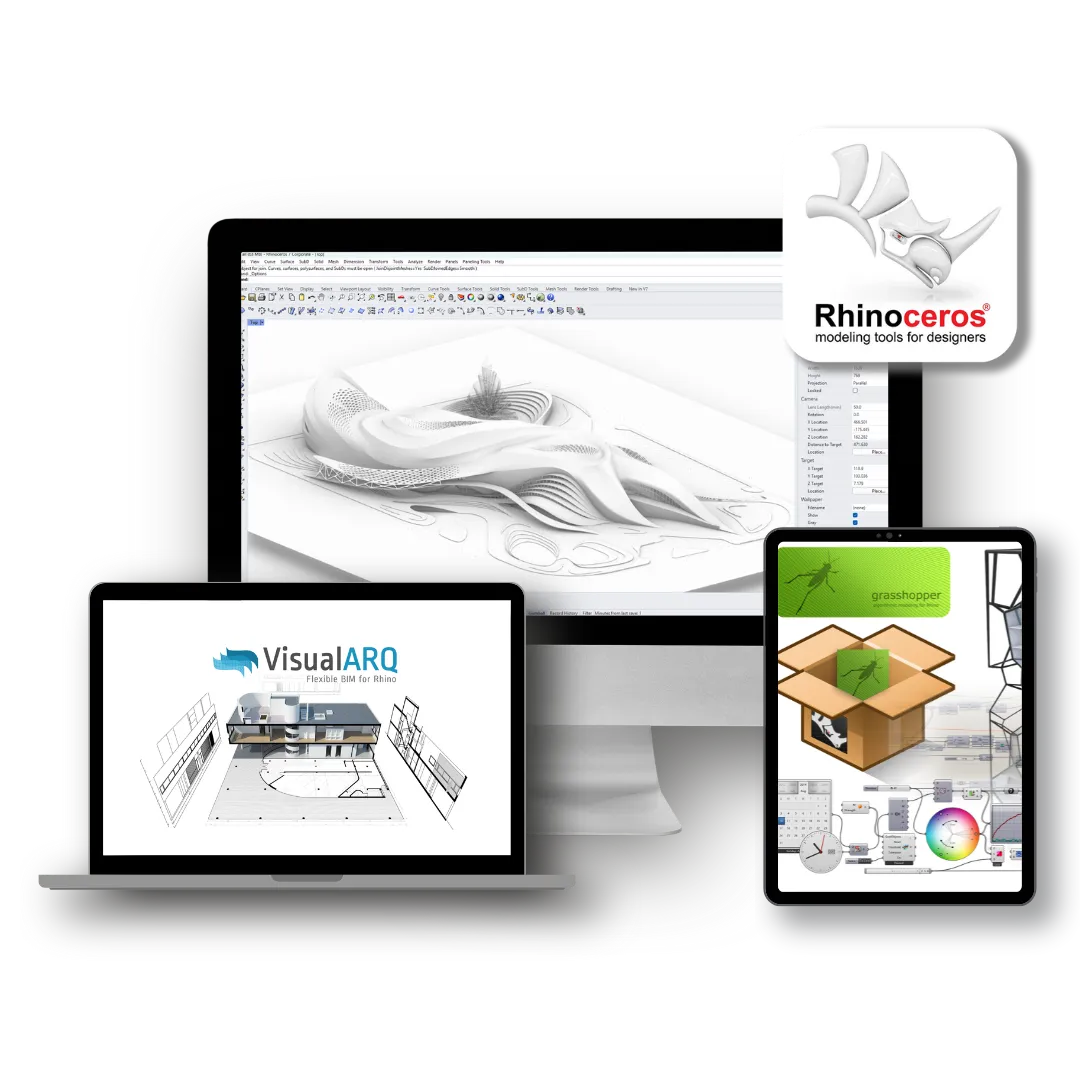
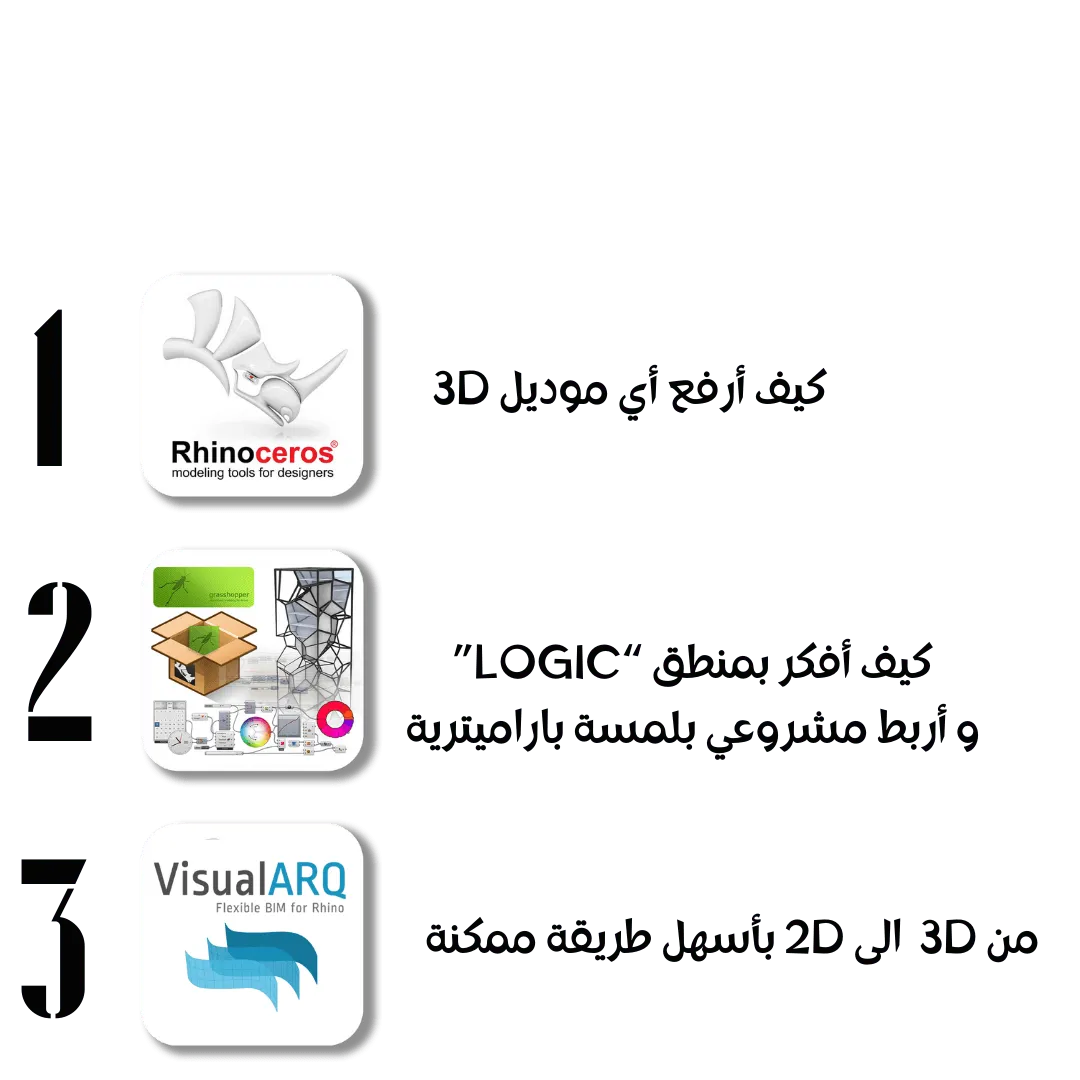
Rhino Masters
Module 0 – Start Here
Your First Step in Rhino
Your Journey Schedule
Introduction to Rhino & 3D Modeling
How to Download Rhino
How to Watch & Use the Course Effectively
Module 1 – Rhino Fundamentals
Understanding the User Interface
Viewports & Navigation Tools
Working with the Grid
Object Selection Methods
Object Snaps (Osnaps)
Smart Tracking
Constraints Explained
Coordinate Systems Explained
Working with CPlanes
Gumball & Transformation Tools
Module 2 – 2D & Curve Modeling
2D Drawing & Curve Tools
Curve Editing Techniques
Visibility & Object Management
Groups & Blocks
📝 Homework: Architectural Curve Exercise
Module 3 – Surface Modeling
Creating Surfaces
Editing Surfaces
Advanced Surface Techniques
📝 Extended Surface Homework
Zaha Hadid–Inspired Skyscraper (Surface Workflow)
Module 4 – Solid Modeling
Solid Creation Tools
Advanced Solid Editing
Architectural Massing Using Solids
Module 5 – SubD Modeling (Organic & Parametric Forms)
SubD Tools & Techniques – Part 1
SubD Tools & Techniques – Part 2
SubD Tools & Techniques – Part 3
SubD Assignment
Advanced SubD Techniques
SubD Stadium Modeling
📝 Homework: SubD Architectural Creation
Module 6 – Deformations & Complex Forms
Deformation Tools Explained
Fluid Landmark Design Using Deformations
Module 7 – Project & File Management
Organizing with Layers
Material Basics
History & Record Modeling
Shortcuts, Aliases & Custom Toolbars
Site, Land & Topography Modeling
Module 8 – Rhino 8
Rhino 7 vs Rhino 8 (What’s New & Why It Matters)
Installing & Setting Up Rhino 8
Module 9 – Extra Added Architectural Lectures
Melania Tower – Full Modeling Workflow
Organic Tower – Concept to Geometry
Selcuk Rith Institute – Architectural Case Study
🎯 Outcome of the Course
By the end of this course, students will be able to:
Model any architectural geometry in Rhino
Think geometrically and spatially, not tool-based
Create clean, professional, buildable models
Handle complex forms, organic architecture, and landmark projects
Be fully ready to move into Grasshopper & Parametric Design
Visual Arq
In this course, you will learn how to:
-Understand how VisualARQ works as a BIM layer inside Rhino
-Create architectural elements:
Walls
Slabs
Columns
Beams
Doors & Windows
Stairs & Railings
Control levels, stories, and building structure
-Generate:
Plans
Sections
Elevations
-Work with Styles, Parameters, and Object Properties
-Automatically update drawings when the model changes
-Combine free-form Rhino geometry with BIM logic
Why VisualARQ (Instead of Revit First)?
-Full design freedom (no forced parametric families)
-Works directly inside Rhino
-Ideal for concept → detailed design
-Much easier for architects who think geometrically
-Excellent for small to mid-scale architectural projects
-Clean documentation without overcomplication
Course Outcome
After finishing this course, you will be able to:
Use Rhino as a real architectural BIM platform
Create intelligent architectural models, not just geometry
Produce professional drawings ready for submission
Integrate VisualARQ with Grasshopper & parametric workflows
Move confidently toward advanced computational design pipelines
Grasshopper basics
Module 1 – Your First Step in Grasshopper
What Grasshopper is (and what it is not)
How Grasshopper communicates with Rhino
Understanding the Grasshopper interface
Data flow: inputs, components, and outputs
First parametric definition
Module 2 – Grasshopper Basics for Parametric Design
Parameters & sliders
Points, curves, surfaces in Grasshopper
Lists & data structure basics
Transformations (move, rotate, scale)
Controlling geometry behavior
From static model to parametric system
Module 3 – Parametric Paneling with Attractors
Understanding attractor logic
Distance-based control
Panel size & density variation
Facade logic explained
Parametric thinking behind responsive skins
Module 4 – Parametric Tower
Vertical parametric logic
Floor control & variation
Twist, scale, and deformation
System-based tower generation
Architectural decision-making using parameters
Module 5 – Environmental Analysis using Ladybug
Why analysis matters in parametric design
Understanding environmental inputs
Linking form to performance
Basic performance-driven design logic
Sun path & solar radiation basics
Connecting Ladybug to geometry
Reading environmental data visually
Using analysis results to inform design
Intro to climate-responsive parametric design
Course Outcome
By the end of this course, you will be able to:
Build clean parametric definitions
Understand data flow and logic
Create responsive architectural systems
Control design instead of redrawing it
Confidently move to advanced Grasshopper workflows
آراء الطلاب















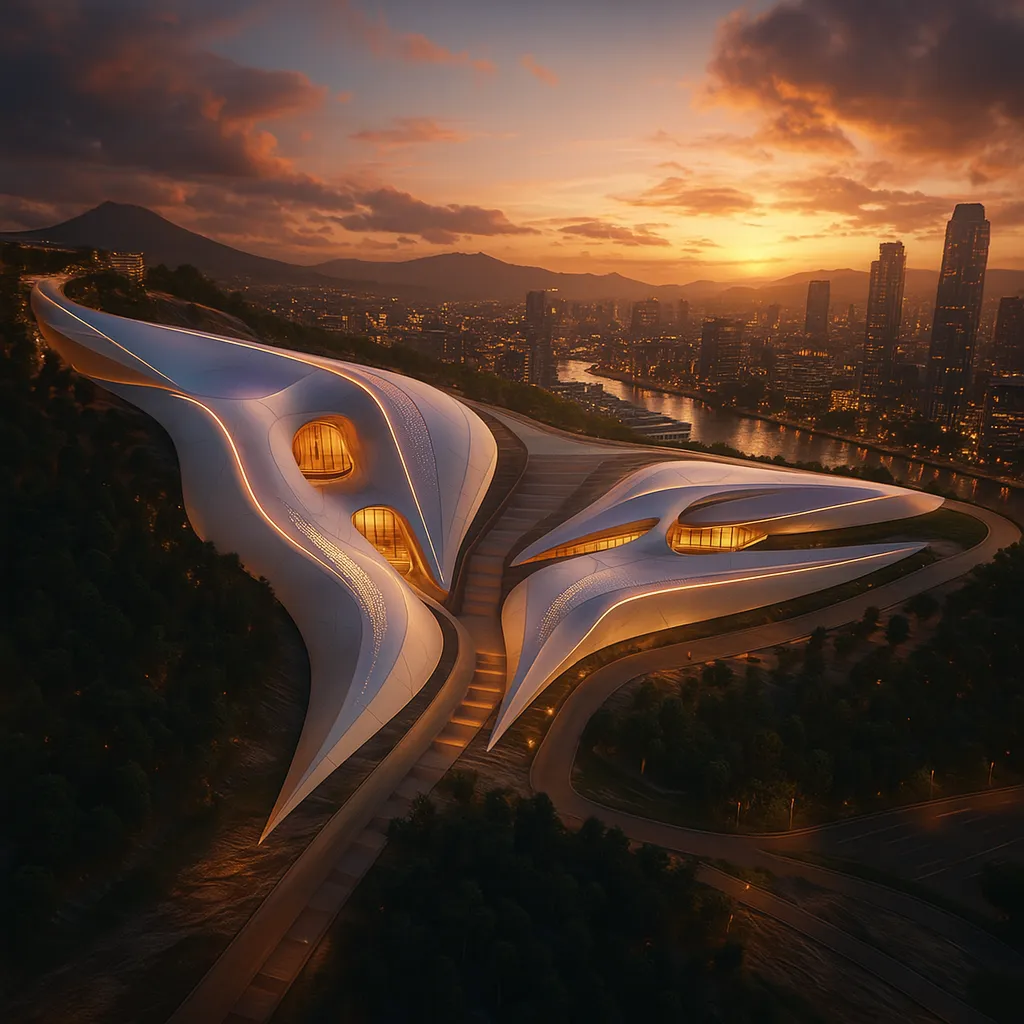
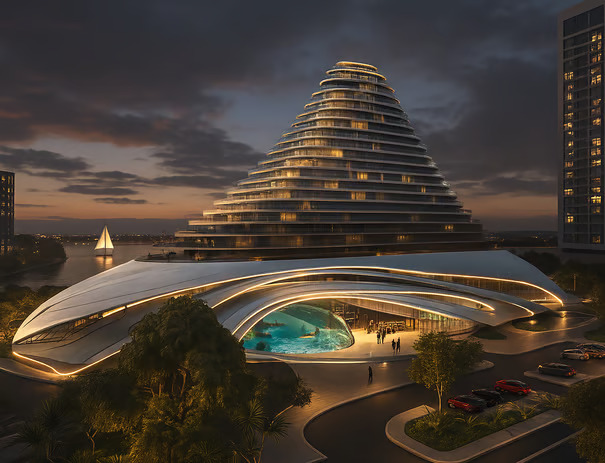
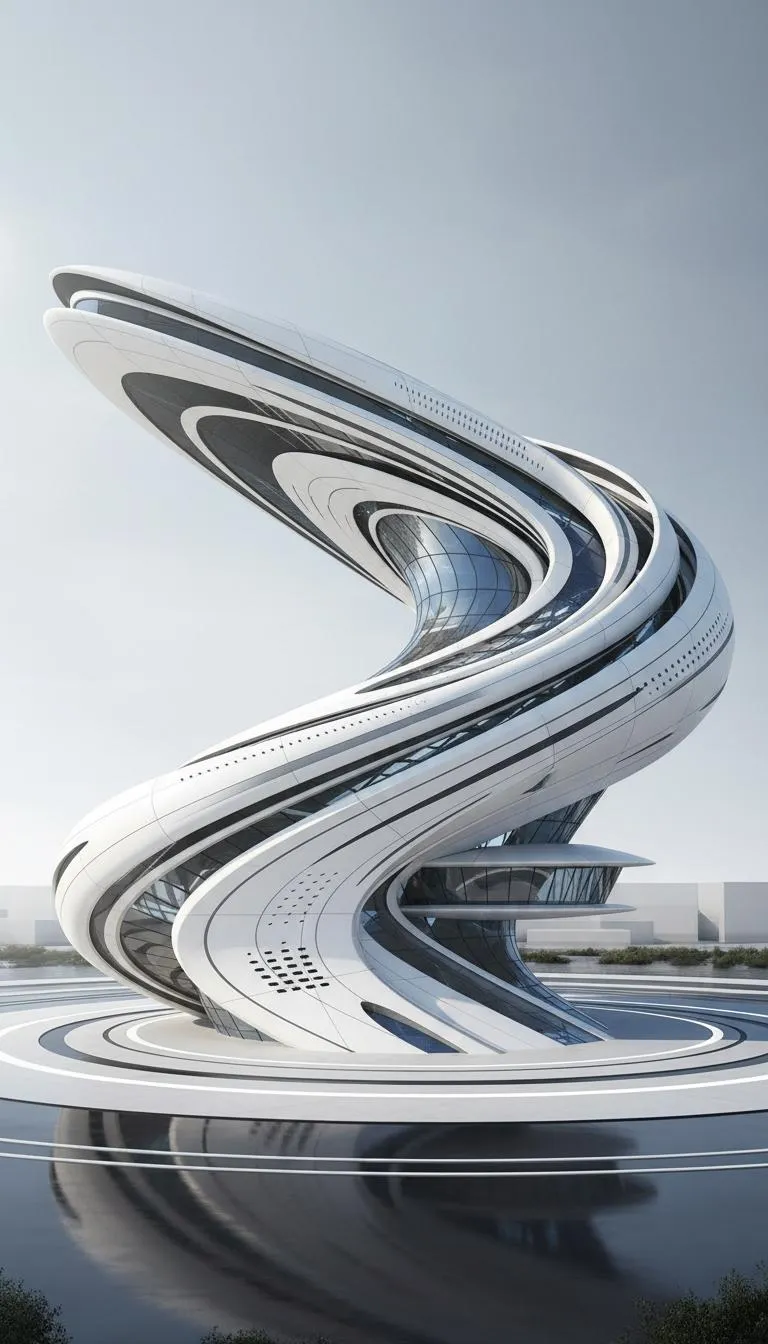
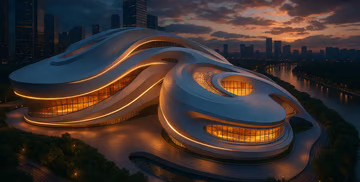
أعمال الطلاب
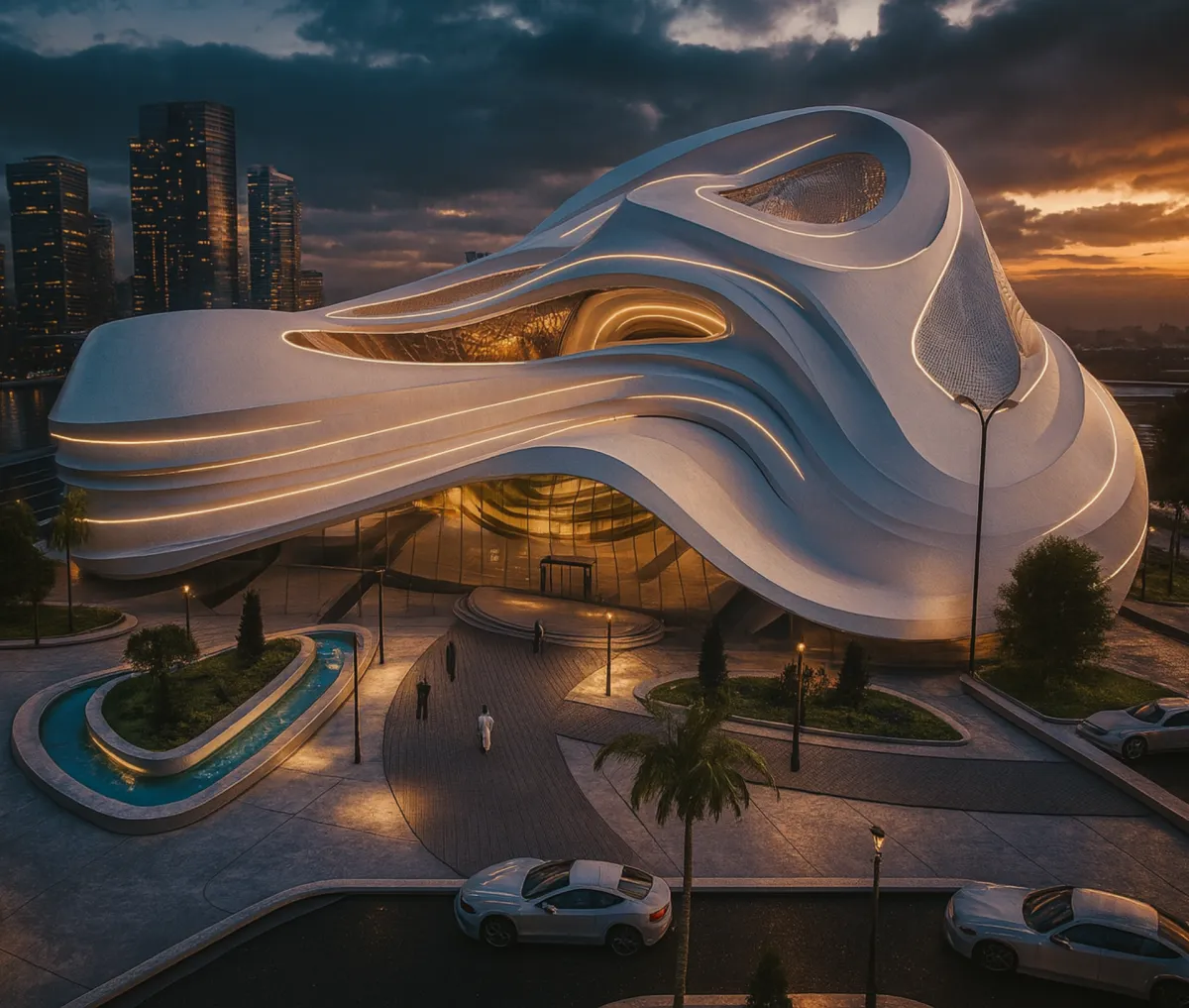


سارة فراج
مهندسة معمارية ومُؤسسة شركة
SARTITECT لتدريب
( RHINO + GRASSHOPPER)
في مجال التصميم البارامتري

عندك اي اسئلة؟
هل أحتاج خبرة سابقة ببرنامج Rhino؟
لا. ما بتحتاج أي خبرة سابقة نهائيًا.
حتى لو عمرك ما فتحت Rhino قبل، الكورس ببدأ معك من الصفر خطوة خطوة لحد ما تقدر ترفع أي موديل معماري بثقة.
هل الكورس مسجّل ولا مباشر؟
الكورس عبارة عن فيديوهات مسجّلة.
بتحضرها بالوقت اللي بناسبك، وبتعيد الدروس قد ما بدك بدون أي ضغط وقت.
هل أحتاج لابتوب قوي؟
مش شرط.
إذا لابتوبك بيتحمل برامج معمارية مثل
AutoCAD أو SketchUp أو Revit
فـ راينو أخف منهم وبيشتغل بسلاسة.
هل الكورس مناسب لطلاب هندسة العمارة؟
نعم، مناسب جدًا.
خصوصًا لطلاب الجامعة اللي حابين يرفعوا مشاريعهم بسرعة وبشكل احترافي.
هل الكورس مناسب للمهندسين المعماريين؟
أكيد.
الكورس مصمم ليخدم المهندس اللي بده يطور شغله، يسرّع الـ workflow، ويرفع جودة الموديلينغ بالمشاريع الحقيقية.
هل الكورس عملي ولا نظري؟
عملي 100%.
كل درس تطبيق مباشر داخل Rhino، بدون حكي نظري ممل.
هل الكورس مناسب لو هدفي أتعلم Grasshopper لاحقًا؟
نعم، وبقوة.
Rhino هو الأساس لأي شغل Grasshopper صح، وهذا الكورس بيحضّرك صح للمرحلة الجاية.
هل في ترتيب معين للدروس؟
نعم.
الدروس مرتبة تصاعديًا، من الأساسيات لحد تقنيات متقدمة بالموديلينغ المعماري.
هل في دعم أو تواصل إذا واجهت مشكلة؟
نعم.
في تواصل للإجابة عن الأسئلة ومساعدتك إذا علّقت بأي خطوة
كم مدة الكورس؟
مدة الكورس شهر تقريبًا إذا كنت ملتزم ببرنامج المتابعة والتطبيق.
لكن بالنهاية الموضوع بيعتمد على جهدك الشخصي وكم بتطبّق على الدروس.
كل ما اشتغلت أكتر، بتوصل أسرع وبتطلع بنتيجة أقوى.